

All your commerce
in one place
Build curated and fully automated workflows to eliminate manual inefficiency and streamline operations. Slash overselling while optimizing stock levels and do it all with ease from a single platform.


Testimonials
“With Linnworks, we’re able to have 100% data visibility and transparency, so we can identify where the inefficiencies are and drive the cost out of the system through those kinds of initial inefficiencies.”— Mehmetcik Kalay, European CEO, Spreetail

“Linnworks provided a robust ecommerce operations solution that effectively handled inventory and order fulfillment, ensuring smooth operations across multiple channels and geographies.”— Rebecca Smart, Managing Director, Autonative

“Linnworks is an essential partner as we scale our eCommerce operations to 15% of our overall business.”— Jon Fawcett, Director of Global eCommerce at Turtle Wax Europe Limited, Turtle Wax

“Once Linnworks came in, we started expanding to thousands of orders per day thanks to the uber-efficiency it allows for our business.”— Phil Wright, HomeScapes

“We achieved our multimillion-dollar revenue target in the first year. We simply couldn’t have achieved this with our old system. Linnworks has been absolutely critical to our international growth.”— Rich, Co-Founder, Source BMX

Everything you need to
run your

Real-time sync
Tired of angry customers and low ratings? When you sell a product on any channel, every other channel automatically reflects the actual inventory count for that item near-instantaneously. That leads to a near-zero risk of oversells and fewer return headaches.
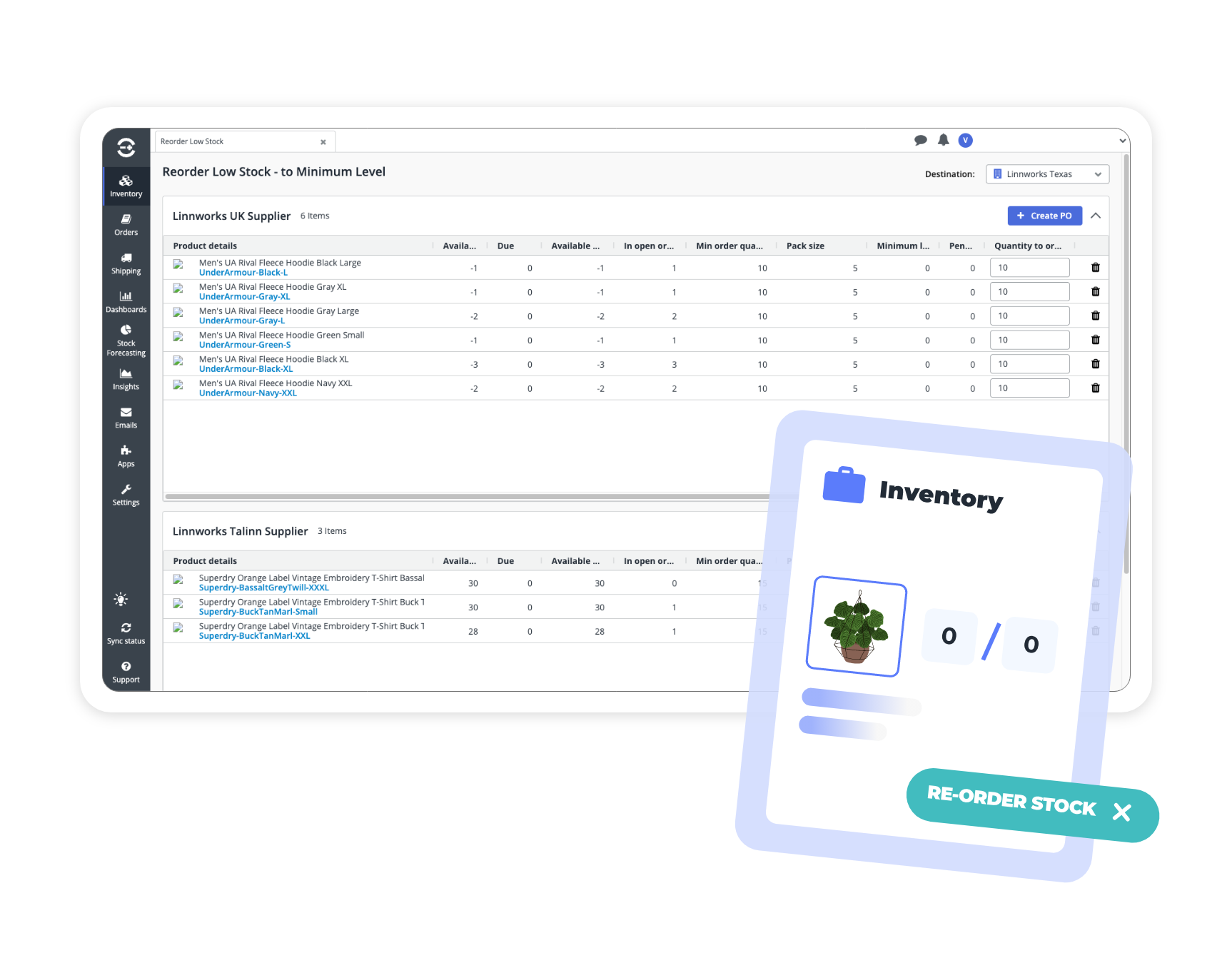

“We have multiple warehouses, and Linnworks synchronises the stock between all of them, including our US-based 3PL…”

Keep it simple
Regardless of the complexity of your inventory setup, Linnworks’ customizable rules-based automation makes the day-to-day management of your operation easier. Automation means fewer manual errors, faster fulfillment and the ability to fulfill more orders with fewer staff.
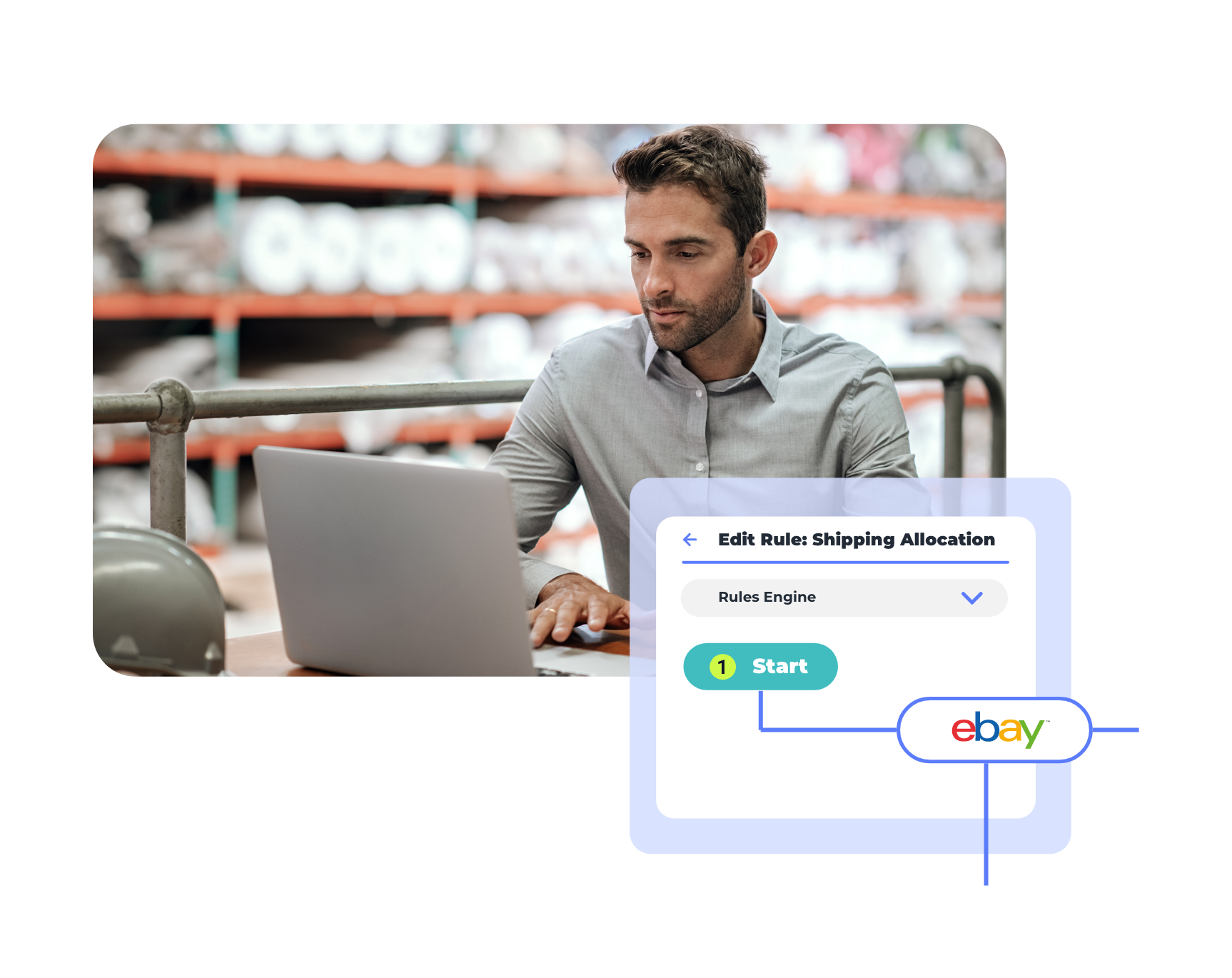

“Linnworks has reduced manual tasks and saved on wages. Without Linnworks we’d have to employ more staff…”

Connect everything
Connect your inventory to 100+ marketplaces with native, two-way integrations. Adding a new marketplace is (usually) free and takes just minutes. Turn Linnworks into your all-in-one hub by managing every sales channel in one dashboard.
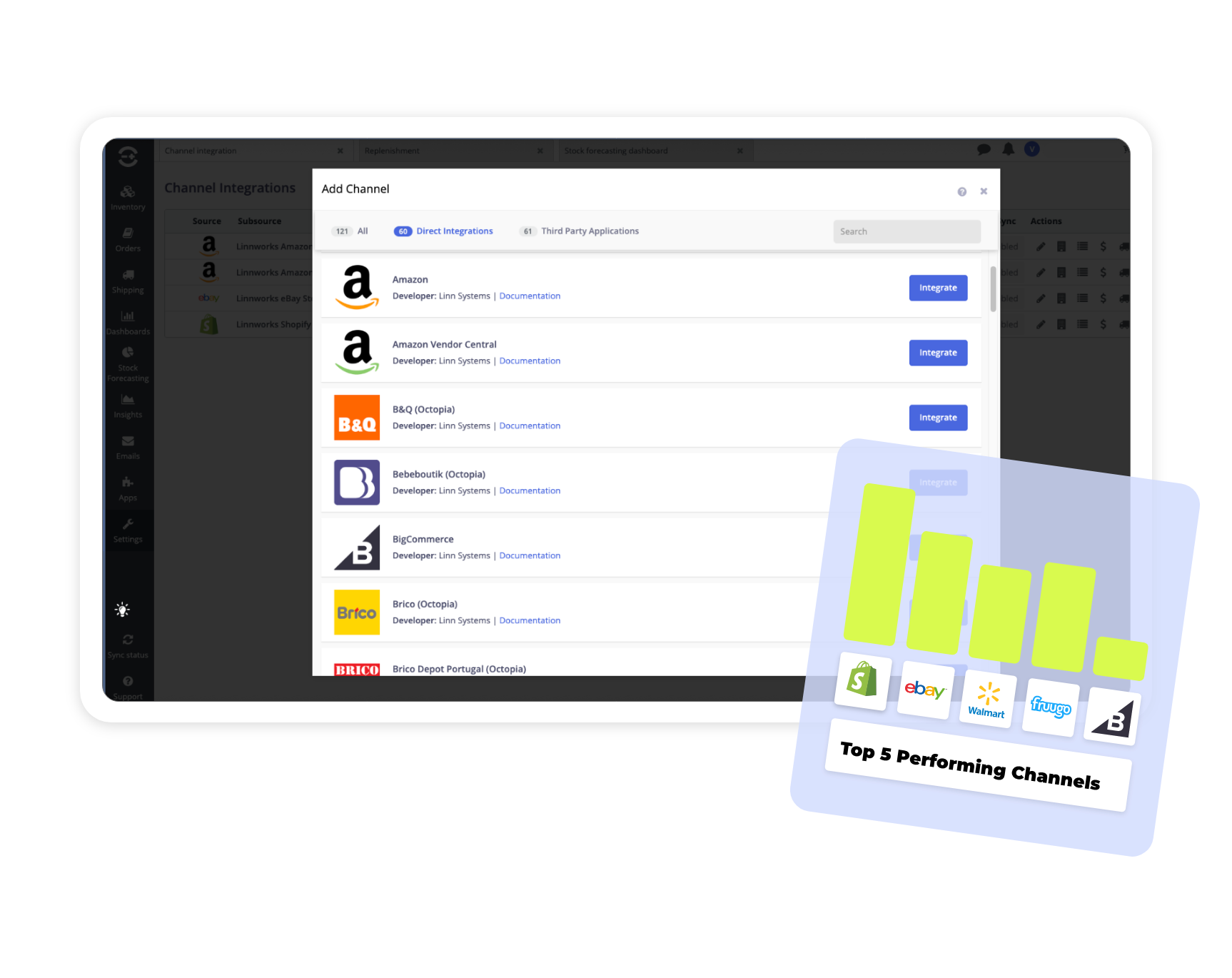

“We saved time and cut costs thanks to the Linnworks-QuickBooks integration.”

Total stock control
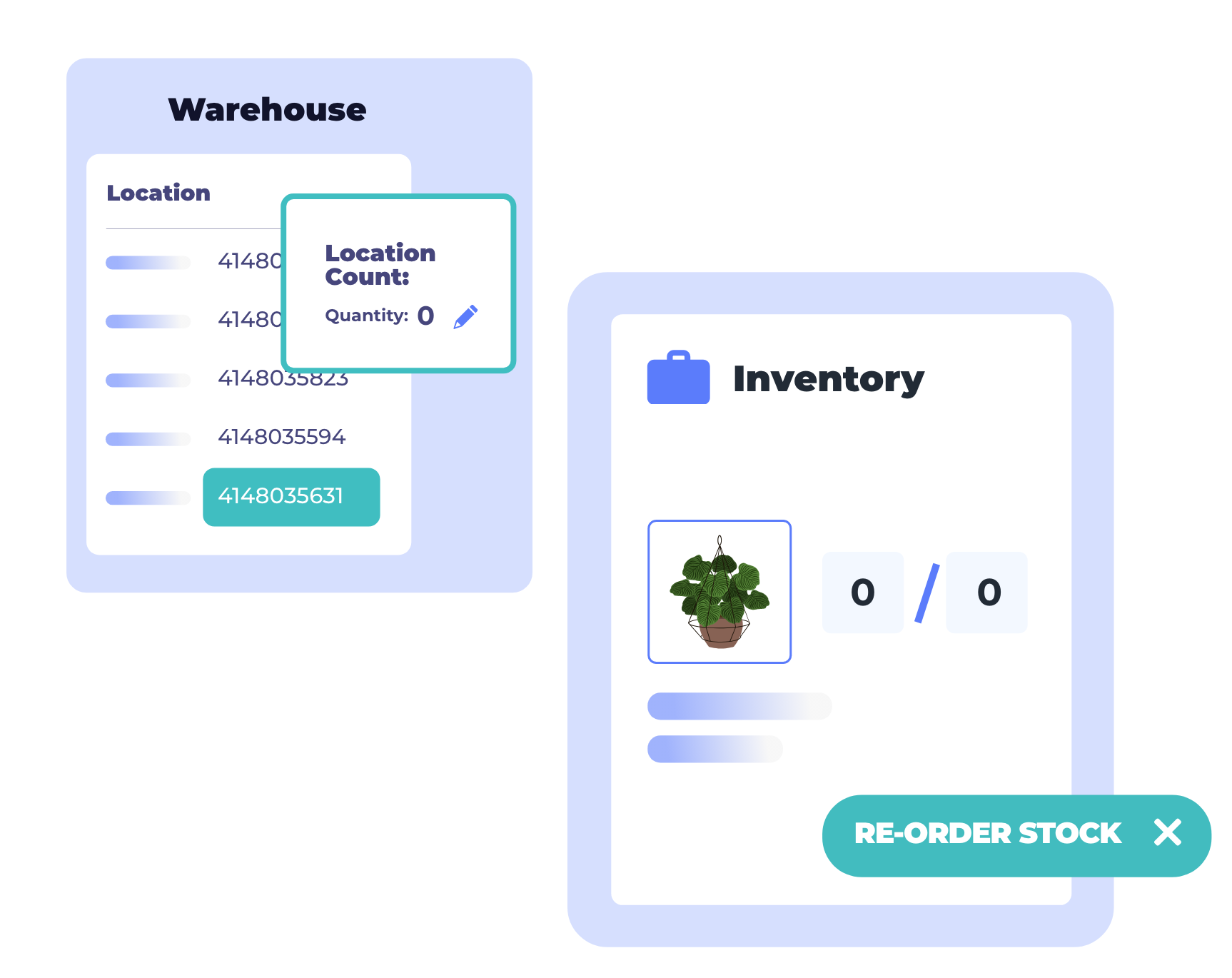
Manage stock movements and replenishment straight from the Linnworks platform. Transfer inventory between storage, picking areas or warehouses with ease. Create purchase orders in just a few clicks and easily integrate with 3PLs or shipping services like ShipStation.
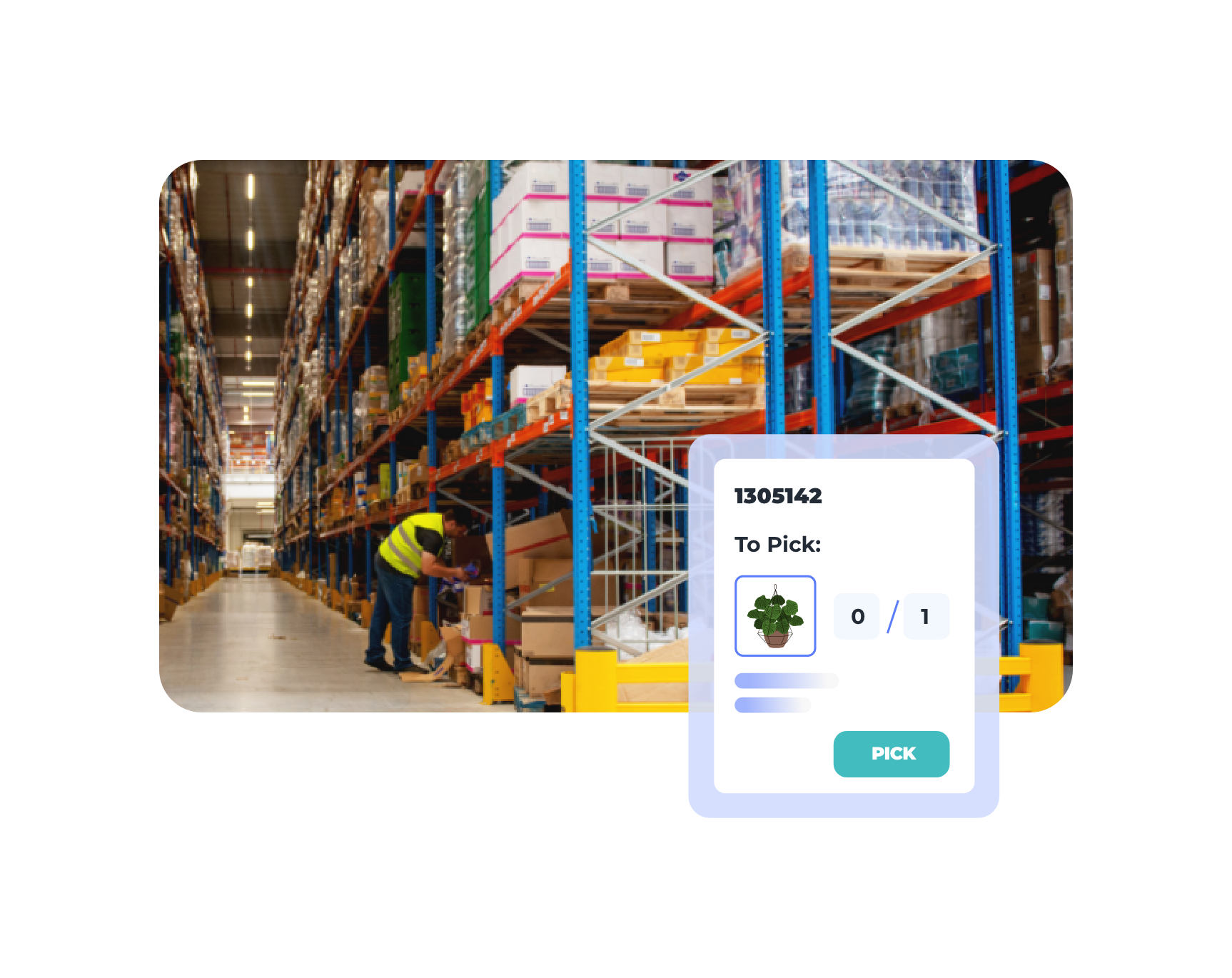
“We achieved 100% inventory accuracy with Linnworks.”

Bird’s eye reporting
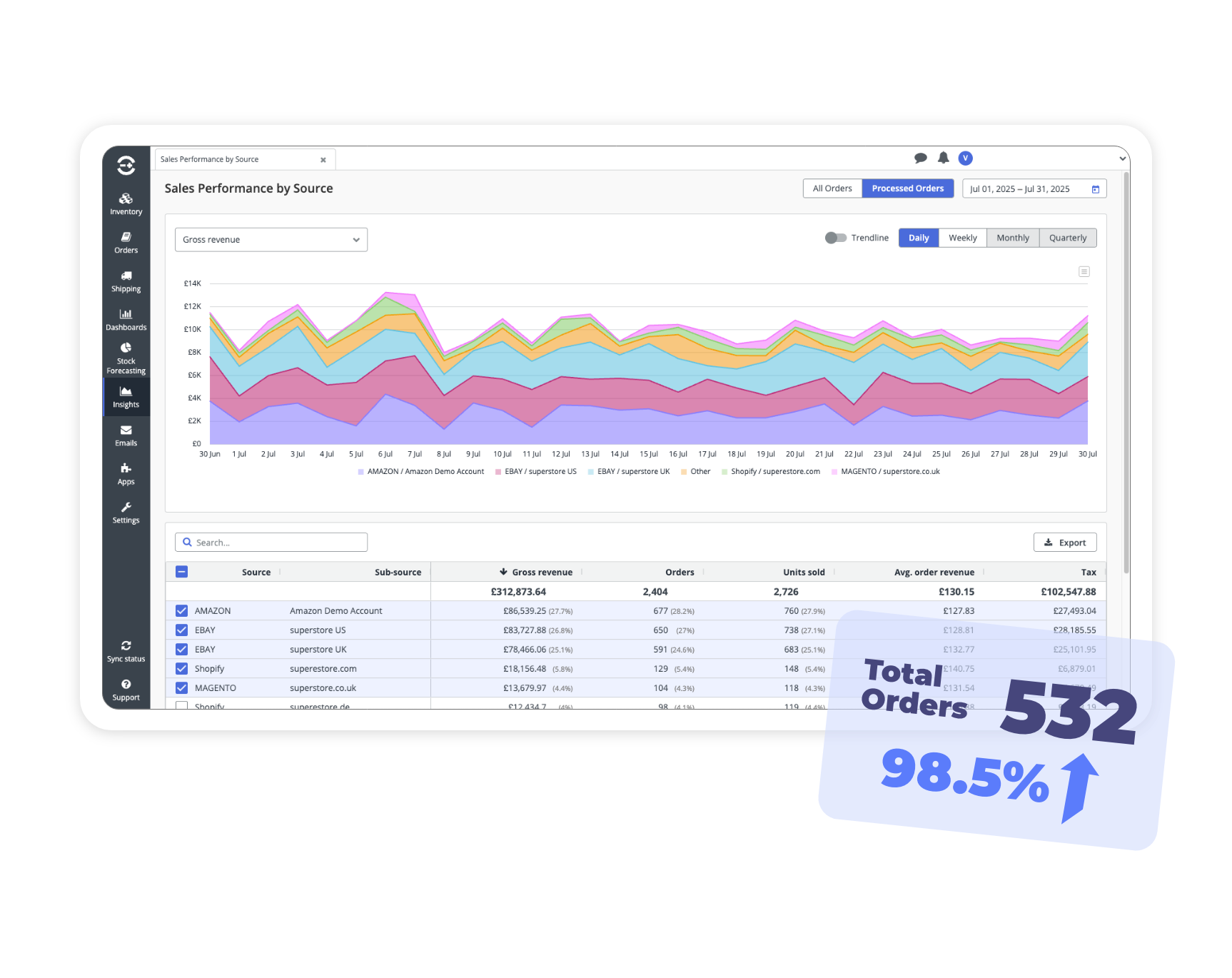
Add your sales channels to Linnworks for a full view across your entire multi-channel ecommerce operation. Easily review your best-selling or most profitable SKUs overall or by channel. Choose from a wide range of criteria and filters to get exactly the reports you need.

“Because of stock forecasting, we’re no longer holding on to too much stock… now done within 30 minutes… with more accurate re-ordering figures.”
Inventory and warehouse management savings calculator
Uncover the cost of your mis-ships, out of stocks and lack of labor efficiency with our inventory management savings calculator.
Inventory management FAQs
Get answers to our most asked questions about our plans
Whenever a sale comes in on any connected channel, Linnworks updates the actual inventory count across every other channel simultaneously. That near-zero lag means oversells become almost impossible, even when you’re selling across Amazon, eBay, Shopify and a dozen other platforms at once. The result is fewer angry customers, fewer returns and stock numbers your team can trust.
Linnworks connects to 100+ marketplaces, D2C platforms, shipping providers, 3PLs and analytics tools through two-way integrations. Adding a new channel typically takes just minutes and is usually free. There’s no cap on the number of integrations, so your platform grows with you as you expand into new markets and ship more orders.
Linnworks’ Rules Engine lets you build custom logic to automate order routing, carrier selection, fulfillment center assignment, packaging and more. On top of that, Spotlight AI actively reviews your team’s weekly activity, identifies the manual tasks costing you the most time and delivers the exact automation rules needed to eliminate them. Customers regularly report saving hours of labor every day through our Rules Engine and its ability to create “perfect fit” workflows.
Linnworks is fully GDPR-compliant as a data processor, with built-in tools to purge or obfuscate customer data on request in line with right-to-erasure requirements. The platform also helps sellers stay compliant with individual marketplace rules by keeping listings accurate and up to date across all connected channels. For businesses operating across multiple regions, having a single system that manages data consistently across every channel significantly reduces the compliance risk that comes with spreadsheets and disconnected tools.
Most inventory tools stop at stock tracking. Linnworks connects inventory directly to your orders, warehouse, listings and shipping in one platform, so a sale anywhere instantly updates stock everywhere and triggers the right fulfillment workflow without manual intervention. Combined with Spotlight AI, 100+ native integrations and 20+ years serving over 4,000 retailers, it’s built for the full operational complexity of multichannel commerce and the growth you want to achieve.
Inventory management is the foundation, but Linnworks goes well beyond it. From the same platform you can manage orders from every channel, run warehouse operations, create and update listings in bulk, connect to shipping providers and generate performance reports down to the individual SKU. For growing multichannel retailers, it replaces a stack of disconnected tools with one hub to manage nearly everything.
Yup. Linnworks gives each user the ability to create their own custom inventory views, filtered by channel, SKU, location or any other criteria relevant to their role. You can also set quantity buffers on a per-channel basis, so you control exactly how much stock is shown as available on each marketplace. That means you can protect against oversells during low-stock situations without manually updating every channel individually.
We do. Linnworks gives you a unified view of stock across all your warehouse locations, including 3PLs, at the same time. You can track inventory transfers between locations at every stage of the journey, from removal at the origin warehouse through transit to receipt at the destination. For businesses running multiple fulfillment locations, that visibility means your stock numbers are always accurate regardless of where the inventory physically sits.
RESOURCES
or find your next opportunity

Find your next marketplace quiz
Take our quick quiz to get personalized recommendations based on your goals, product types, and target audience.


Linnworks Advanced
product tour
Sync inventory, create listings on the top marketplaces, automate fulfillment routing, and lots more with Linnworks Advanced, the all-in-one IMS platform for multichannel retailers.


Learn how to master inventory management
Master inventory management with Linnworks. Centralize stock and automate updates across all your sales channels effortlessly.


Discover how Linnworks
Discover how Linnworks’ powerful automation and unified platform are driving tangible results for our customers. Read their stories and learn how they’ve optimized their workflows, expanded their reach, and accelerated their growth with Linnworks.



“The ability to quickly update SKUs and sync inventory levels means I don’t have to worry about overselling or underselling, freeing up my time to focus on the business.”
Shaun O’Brien
Company Director, Direct Plants

How Tootonic experienced significant growth using Linnworks automated inventory and warehouse management
Ready to
Click the button below to request a specialist that can walk you through the Linnworks platform and unify your ecommerce operation.
