
Ecommerce Reporting Software
Know what’s working across every channel.
When your data lives in five marketplace dashboards, answering “which products actually make money?” takes a spreadsheet and half a day. Linnworks reports on everything without manual consolidation.
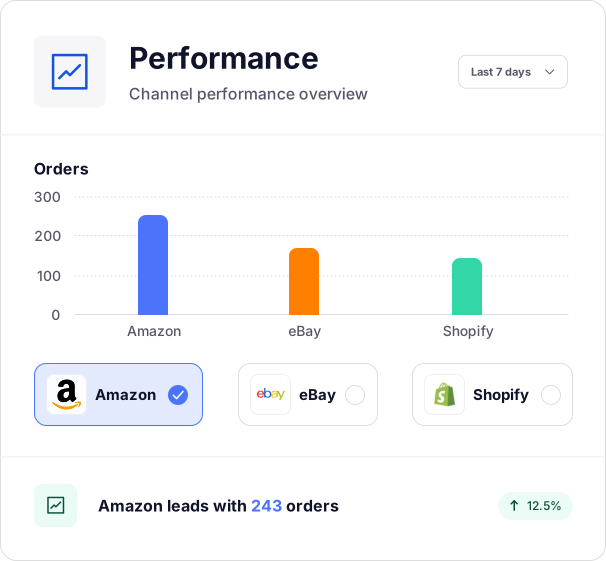
Trusted by retailers worldwide





See the full picture, not just the headline number.
For data to be actionable, you need a comprehensive view in one place.
Cross-channel data
Without a central repository to report from, each channel has its own dashboard and export, turning one cross-channel question into hours of spreadsheet work. Linnworks pulls data from 100+ channels into one place.
SKU-level performance
A healthy top-line number can hide which SKUs and channels are actually losing money. Linnworks reports down to the individual product and channel to help you optimize your catalog for growth.
Custom reports
Off-the-shelf reports rarely match how your operation truly works. Linnworks lets you build custom reports with the filters you need, then export them in a few clicks to analyze your way.
How Linnworks reporting works.
Because Linnworks already runs your orders, stock, and fulfillment, it can report on it all from one place.
01
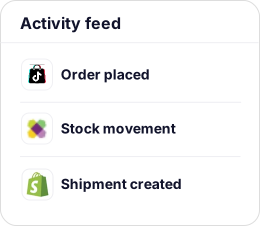
Your operation feeds the data automatically
Every order, stock movement, and fulfillment event across 100+ channels flows into one place. No imports, no consolidation.
02
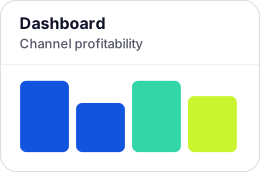
Dashboards summarize it
Pick from pre-built dashboards and configure them around the metrics that matter most to your team.
03
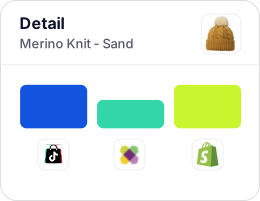
Drill down to the detail
Move from a channel overview to a single SKU’s performance across every marketplace you sell on.
04
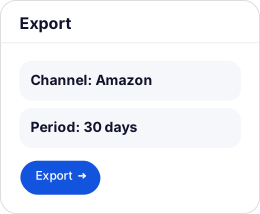
Build and export the exact report
Filter by stock history, channel, category, period, or refunds, then export in a few clicks.
What’s included in Linnworks reporting.
Unified multichannel reporting
Data from 100+ channels combined into one reporting layer automatically, with no manual consolidation between marketplaces.
Configurable dashboards
A dedicated dashboard section with pre-built views you configure around your key metrics, like SKU profitability, seasonal trends, or channel performance.
SKU- and channel-level reporting
See performance by individual product and marketplace, not just the top-line totals that hide the details.
Custom reports with flexible filters
Filter by stock history, channel, product category, time period, or refunds. Build the exact view you need, and export on demand.
KPIs out of the box
Sales volume, revenue, order counts, stock levels, stock value, refunds, fulfillment performance, and channel-level profitability are tracked as standard.
Slice by channel, warehouse, or SKU
Answer a specific operational question across any of the three dimensions without cobbling separate reports together.
Go deeper than reporting.
Reporting gives you the picture. For why something happened and what to do next, two advanced modules go further.
True product profitability, via Conjura
To see true margin per product after advertising, shipping, and cost of goods, Linnworks integrates with Conjura. Together, they combine your sales and fulfillment data with your costs for full profitability analysis.
Explore the Conjura integration
What to stock next
For demand forecasting and reorder points built from your sales data, Stock Forecasting goes further.
Explore stock forecasting
What clear data does for a growing operation.


“With Linnworks, we’re able to have 100% data visibility and transparency, so we can identify where the inefficiencies are and drive the cost out of the system.”

Read the case study

“We need to know exactly where our business is at any given moment… We can also quickly trace any errors back to their source, which has been invaluable. Since implementing Linnworks, we haven’t had a single mistake.”

Read the case study

“Partnering with Linnworks has enabled us to future-proof our business operations. It’s helped us move from a reactive way of working to a model that’s scalable, controlled, and fit for purpose as we continue to grow.”

Read the case study
Ecommerce reporting and insights FAQs.
Get answers to our most asked questions about our ecommerce reporting tools.
Because Linnworks already connects your orders, inventory, warehouse, and shipping, it has a complete picture of your operation to report on. Dashboards cover product sales, financial performance, stock levels, orders, refunds, and fulfillment activity across all connected channels, kept current with your latest synced data. You can go broad for a strategic overview or drill down to SKU-level detail, then export or schedule any report.
Yes. Because Linnworks is already connected to every sales channel as your operations hub, all that data flows into a single reporting layer automatically, with no manual consolidation. You can view the full picture across every channel at once, or isolate a single channel to compare performance.
Enough to build the exact view you need: stock history, channel performance, product category, time period, and refunds, among others. You can see how a specific SKU performed across all its listings last quarter, or combine sales and purchasing data to see true financial performance. Reports are configured on demand and exported with a few clicks.
At a minimum, ecommerce businesses should track sales volume and revenue by channel, stock levels and value to catch overstock or dead inventory proactively, refund rates by SKU to spot listing or quality issues, and fulfillment performance to make sure operational problems aren’t costing you sales. The businesses that can catch problems early are usually the ones tracking these with channel- and SKU-level granularity.
Sales volume, revenue, order counts, stock levels, stock value, refunds, fulfillment performance, and channel-level profitability are all tracked as standard. SKU-level reporting adds granular visibility on your best-sellers by channel and time period. For true product margin, including ad spend, Linnworks integrates with Conjura.
Yes, across all three dimensions. You can isolate performance for a specific sales channel, compare the same SKU across channels, or review replenishment priorities across individual warehouse locations, without building separate reports to answer each question.
Yes. Linnworks includes a dedicated dashboard section where you choose from pre-built views and configure them around the metrics that matter to your team. Reports can be built with custom filters and exported on demand, so your reporting reflects how your business actually works.
Automated alerts are not currently part of Linnworks’ native reporting. What is available is low-stock reorder functionality, which monitors stock across all locations and suggests reordering when inventory drops below a minimum level you set. For proactive daily insight emails that surface trends and anomalies, the Conjura integration goes further.